🧩 Eco UI Tools
Dedicated Mex status tracker and automated Mex upgrade management.
Dependencies: UI mod tools
Settings:
- F10 → UI mods options → ECO UI Tools
- F10 → Key Bindings → ECO UI Tools
Core Features
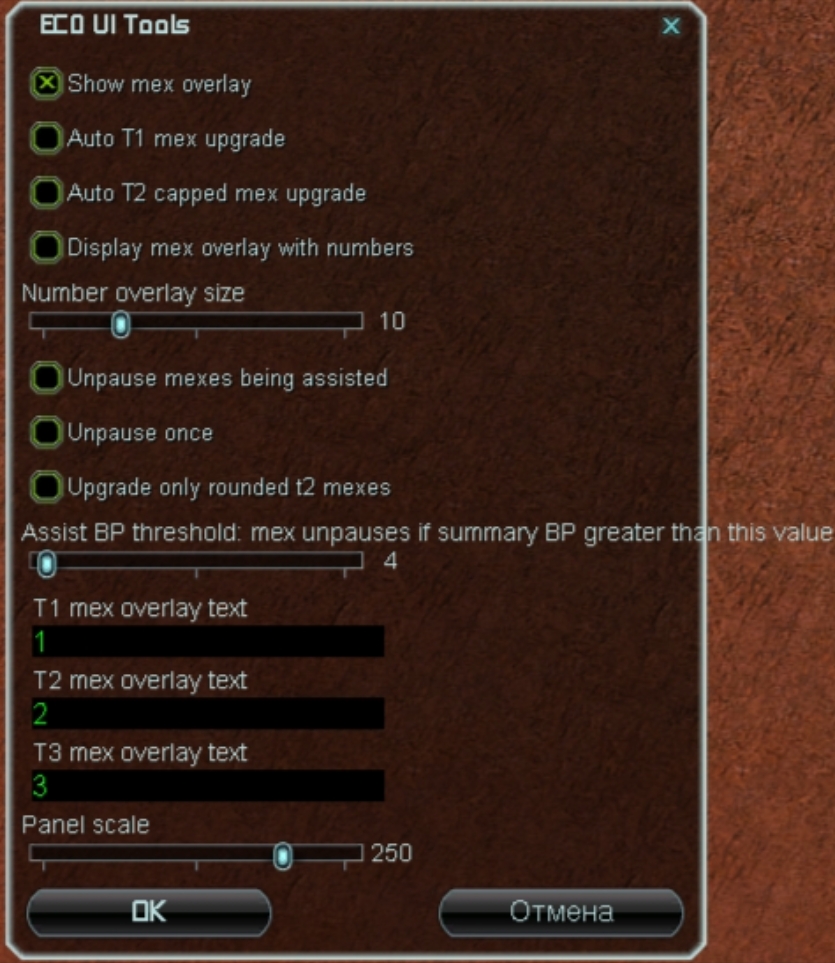
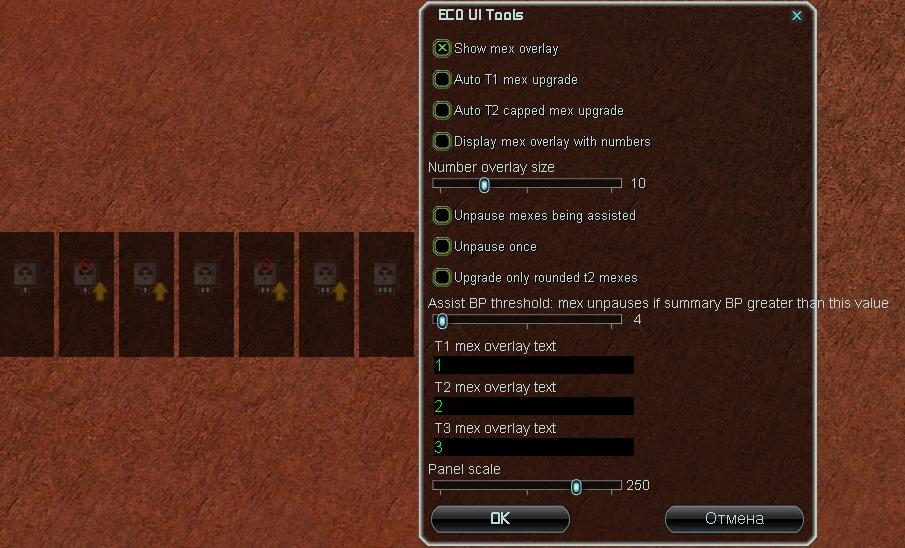
Show mex overlay- displays Mex tier overlays (numbers)TipRedundant if you already use custom strategic icon packs.
Auto T1 mex upgrade- automatically upgrades T1 mexes to T2 (instantly sets them on pause)Not RecommendedDue to a micro-delay before pausing, this disrupts standard early build orders (e.g. 4 mexes into hydro - you will stall power).
T2 capped mex upgrade- auto-upgrades T2 mexes to T3 only when fully capped (instantly pauses)Display mex overlay with numbers- displays mex tiers as numbersNumber overlay size- font size of number overlaysUnpause mexes being assisted- auto-unpauses upgrading mexes when an engineer starts assistingUnpause once- unpauses each upgrading mex only onceUpgrade only rounded t2 mexes- Upgrade T2 mexes only when fully walled with storagesAssist BP threshold: mex unpauses if summary BP greater than this value- build power threshold: mex unpauses only if total assisting BP exceeds this valuePanel scale- resize the dedicated Mex tracker panel (see below)
Mex Tracker Panel
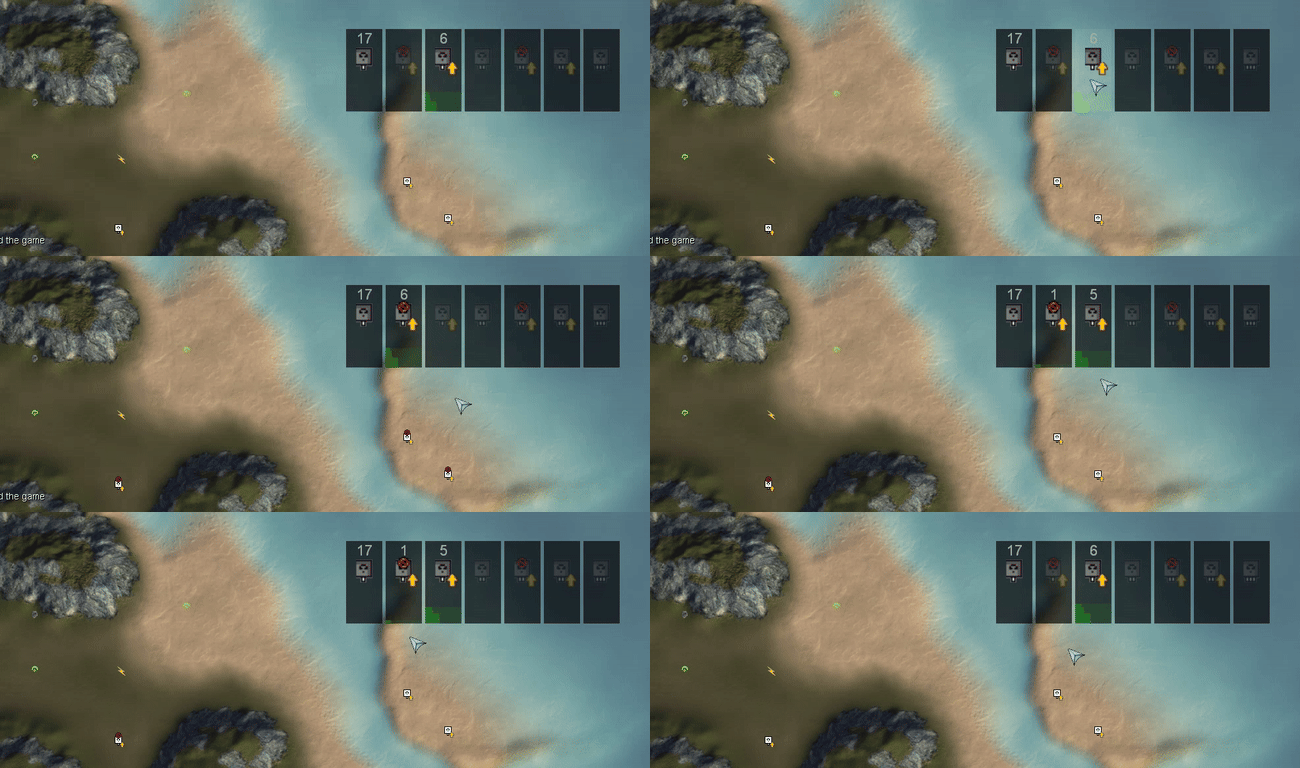
Displays real-time mex status and upgrade progress.
Controls:
- RMB - pause / unpause all mexes in a tier group
- Ctrl + RMB - pause / unpause a single mex in a tier group
- MMB - move panel
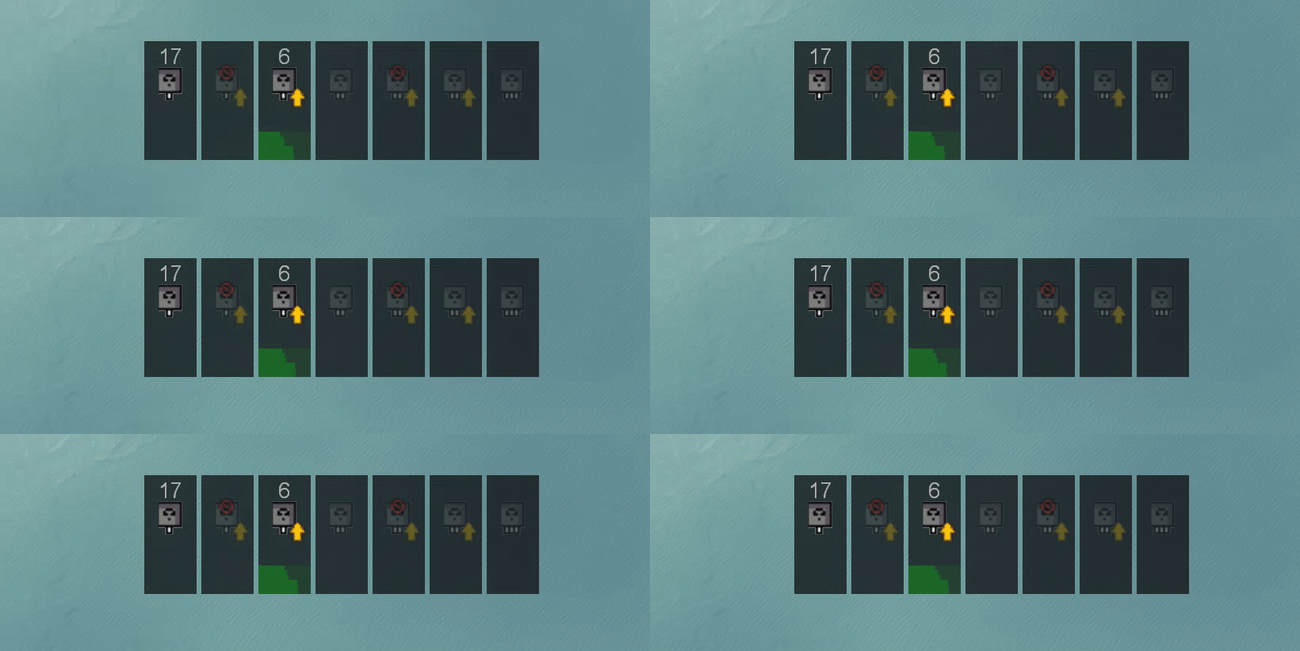
The panel also visualizes ongoing upgrade progress via green bars at the bottom:
Additional Keybinds
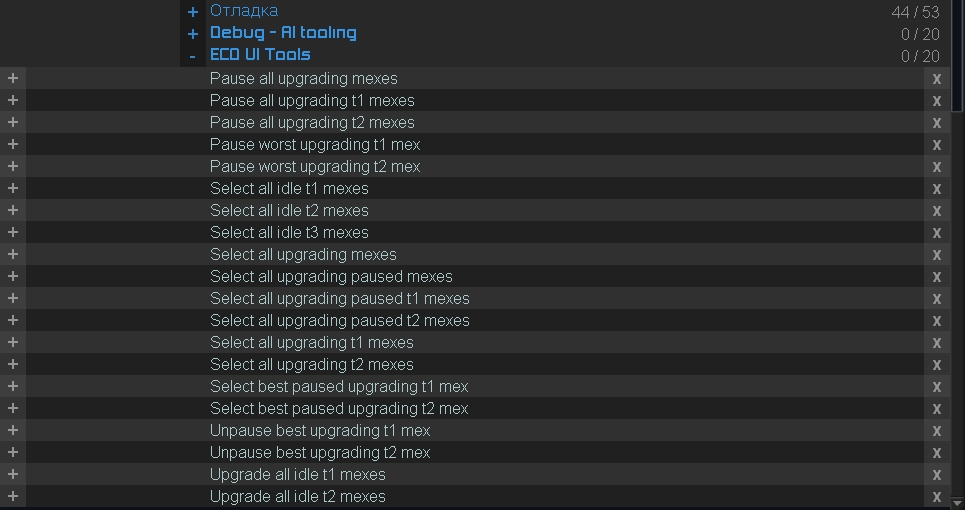
Pause all upgrading mexesPause all upgrading T1 mexesPause all upgrading T2 mexesPause worst upgrading T1 mexPause worst upgrading T2 mexSelect all idle T1 mexesSelect all idle T2 mexesSelect all idle T3 mexesSelect all upgrading mexesSelect all upgrading paused mexesSelect all upgrading paused T1 mexesSelect all upgrading paused T2 mexesSelect all upgrading T1 mexesSelect all upgrading T2 mexesSelect best paused upgrading T1 mexSelect best paused upgrading T2 mexUnpause best upgrading T1 mexUnpause best upgrading T2 mexUpgrade all idle T1 mexesUpgrade all idle T2 mexes
Beer
Audio cues (opening a beer can) for Mex upgrade start and completion.
📦 AutoStorage
Hotkey-based mass storage and mass fab capping around mexes.
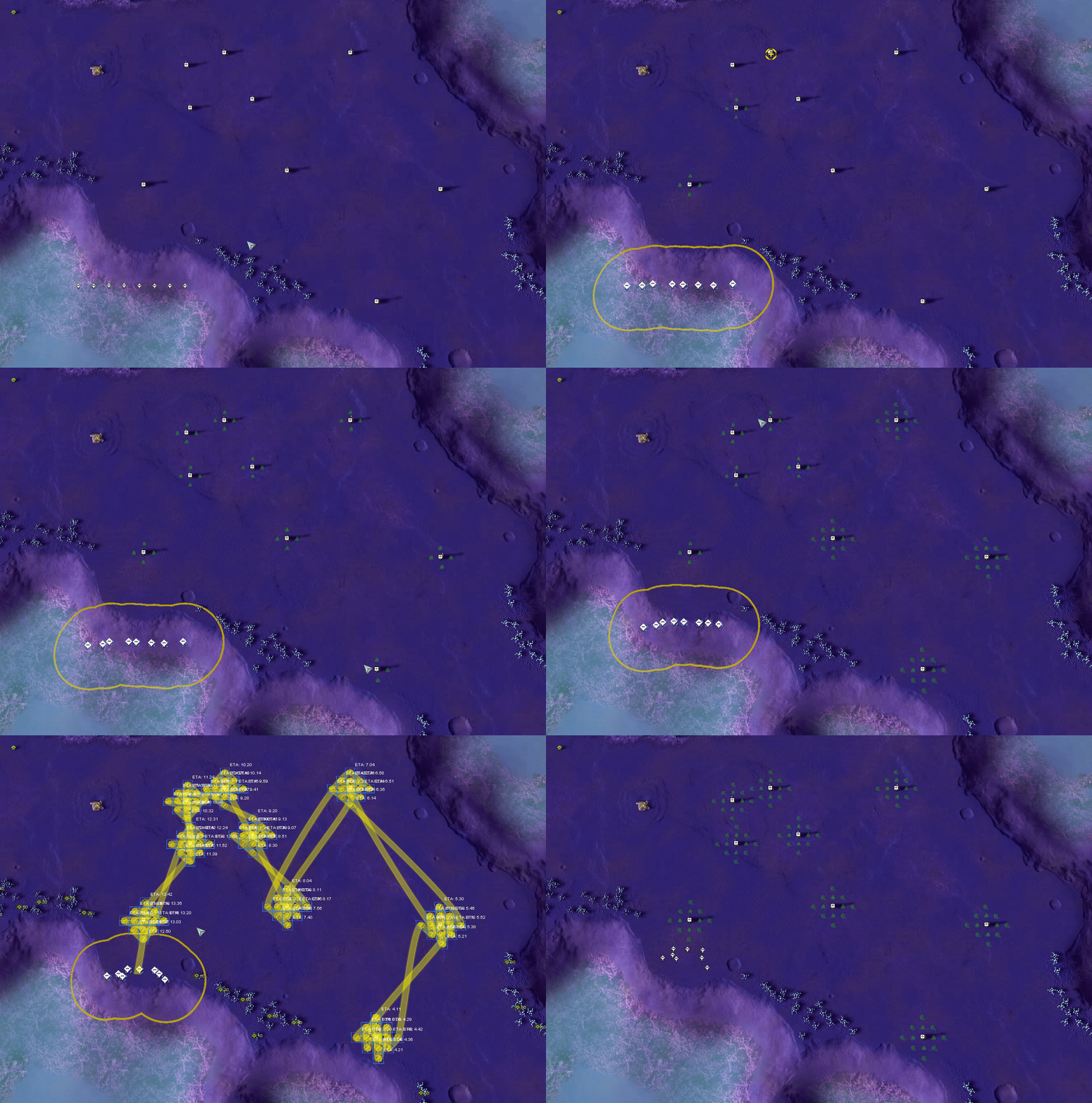
How it works: select engineers → hover over a mex → press keybind → automated capping orders queued.
When pressing the bind (BuildFabsNearest or BuildStorageNearest), orders are queued around the mex closest to your cursor (even if that mex is on the other side of the map).
Settings: F10 → Key Bindings → AutoStorage
