Visual Mods
Icons
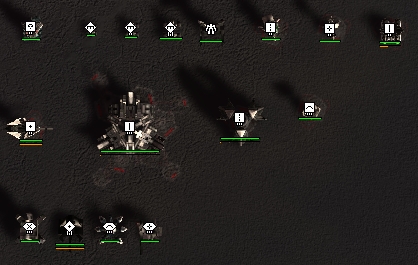
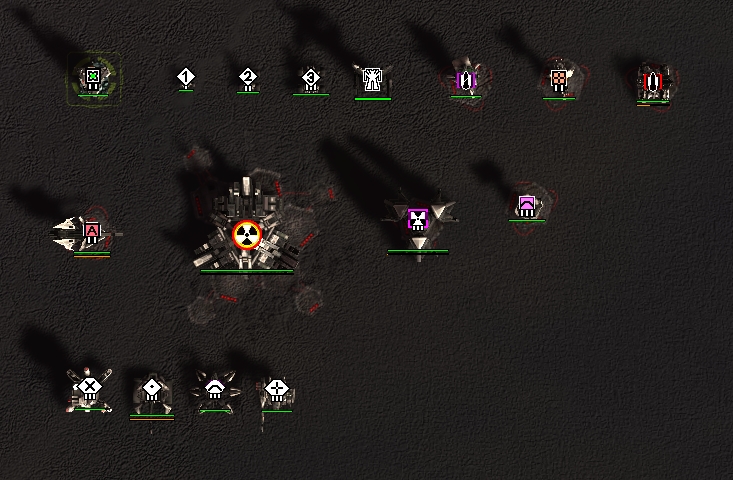
This section showcases the visual differences between various strategic icon packs. Any pack that failed the bare minimum requirement - a sharp, distinct visual difference between critical unit and structure types - was excluded from this list.
Vanilla
ASI Medium
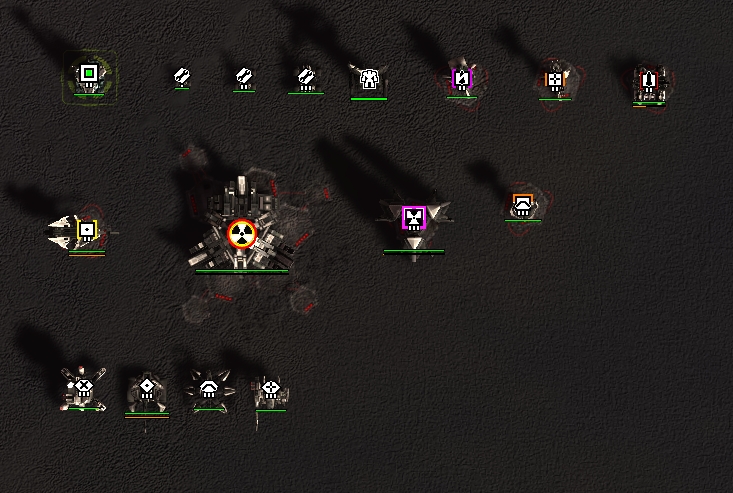
Calibers Icons
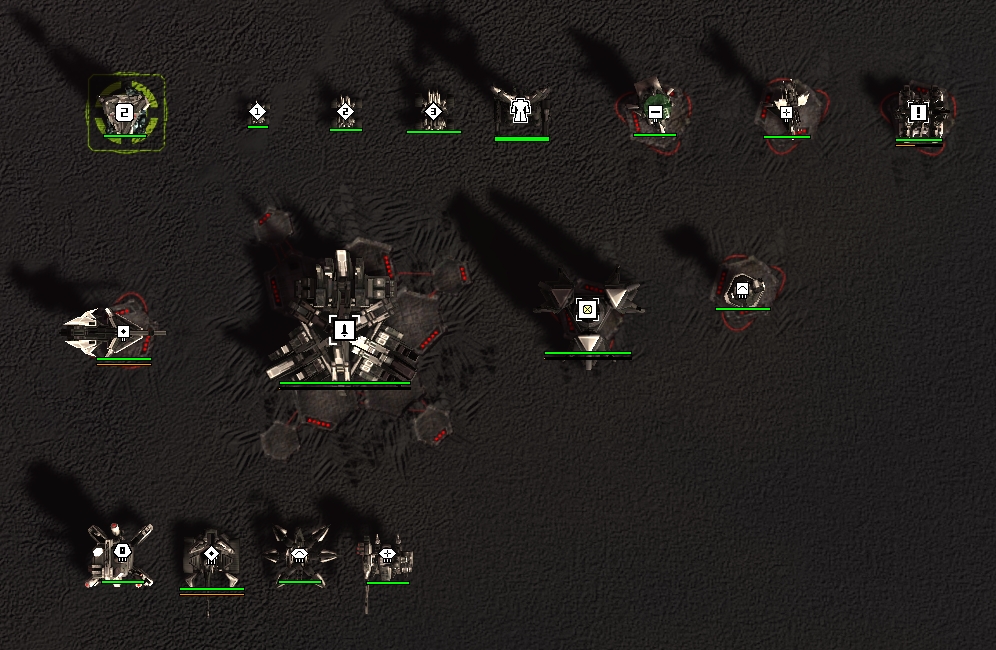
Redux Strategic Icons
ACU HP Monitor
Displays a dedicated panel tracking ACU HP.
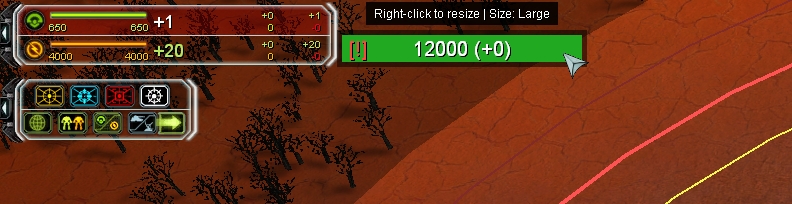
Controls: RMB (Resize) | LMB (Move)
🧩 Idle Engineers Light
HUD overlays for mexes, engineers, factories, and tactical structures.
.jpg)
Key features:
- Highlights idle vs busy engineers (much cleaner with number overlays enabled)
- Shows missile load status for TMLs and Strategic Missile Launchers (Nukes)
- Highlights idle factories
Can cause noticeable FPS drops if engineer overlays are enabled - the game calculates pathfinding, state, and rendering individually for every engineer.
Some players use this mod primarily to visually identify an engineer's tier - a viable alternative to icon packs like Redux or Calibers (see the "Icons" section).
Dependencies: UI mod tools
Settings: F10 → UI mods options → Idle Engineers Light
ACUhighlight
Adds an extra ring around your Commander (helps distinguish ACUs from SACUs).
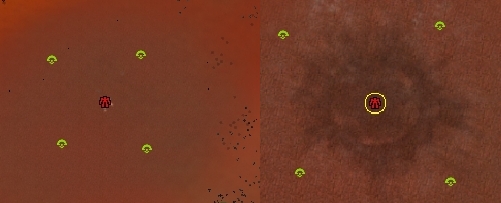
Custom icon packs (ASI, Calibers, Redux) already provide distinct visual differences between ACUs and SACUs - if you use one of them, this mod is redundant.
🧩 DynamicSelectionInfo
Displays detailed stats and information for selected units.
%201.jpg)
![f DynamicSelectionInfo [Настройки].jpg700](/img/user/f%20DynamicSelectionInfo%20%5B%D0%9D%D0%B0%D1%81%D1%82%D1%80%D0%BE%D0%B9%D0%BA%D0%B8%5D.jpg)
Dependencies: ReUI
Settings: F10 → ReUI Options → Dynamic Selection Info | Move panel: MMB