🧩 Advanced Selection Extension
Advanced selection filters, dynamic layer switching (Land | Air | Naval), and unit lock from marquee selection.
![Advanced Selection Extension [0].jpg464](/img/user/Advanced%20Selection%20Extension%20%5B0%5D.jpg)
Dependencies: UI mod tools
Settings:
- F10 → UI mods options → Advanced Selection Extension
- F10 → Key Bindings → Advanced Selection Extension
Key Features
[Global Filter]
![Advanced Selection Extension [1].jpg](/img/user/Advanced%20Selection%20Extension%20%5B1%5D.jpg)
Filter units by domain- enables filtering between Land, Air, and NavalUse auto domain selection- auto-switches active domain based on last selected unit
.gif)
Hold Shift to select all units across all domains.
How it works: default focus Land → select an air unit → focus shifts to AIR → select a ground unit → focus shifts back to Land. (Manual domain switching can be assigned in Key Bindings).
![Advanced Selection Extension [3].jpg](/img/user/Advanced%20Selection%20Extension%20%5B3%5D.jpg)
Filter locked units- ignores locked units (see Toggle units lock)Filter assisters- ignores assisting units (shields, deceivers, scouts)Include hovers in naval domainFilter exotic- ignores specialized units (MMLs, mobile artillery, mobile shields)
![Advanced Selection Extension [2].jpg](/img/user/Advanced%20Selection%20Extension%20%5B2%5D.jpg)
Toggle units lock
Locks selected units from general marquee box-selection.
![Advanced Selection Extension [4].jpg](/img/user/Advanced%20Selection%20Extension%20%5B4%5D.jpg)
How it works: select units → press bind → units are locked from general selection.
Don't mix up the two similar binds (correct bind is highlighted on the screenshot above).
![Advanced Selection Extension [5].gif](/img/user/Advanced%20Selection%20Extension%20%5B5%5D.gif)
- Dragging a box over only locked units will select them
- Holding Shift selects everything regardless of lock status
🧩 Group Scatter
Distributes sequential orders across grouped units (essential for TMLs and factories).
Dependencies: ReUI
Settings: F10 → Key Bindings → ReUI.Actions → Quick Group Scatter
![Group Scatter[0].jpg](/img/user/Group%20Scatter%5B0%5D.jpg)
How it works: select structures → select command (target on cursor) → hit keybind (Quick Group Scatter) → spam LMB to distribute targets in turn.
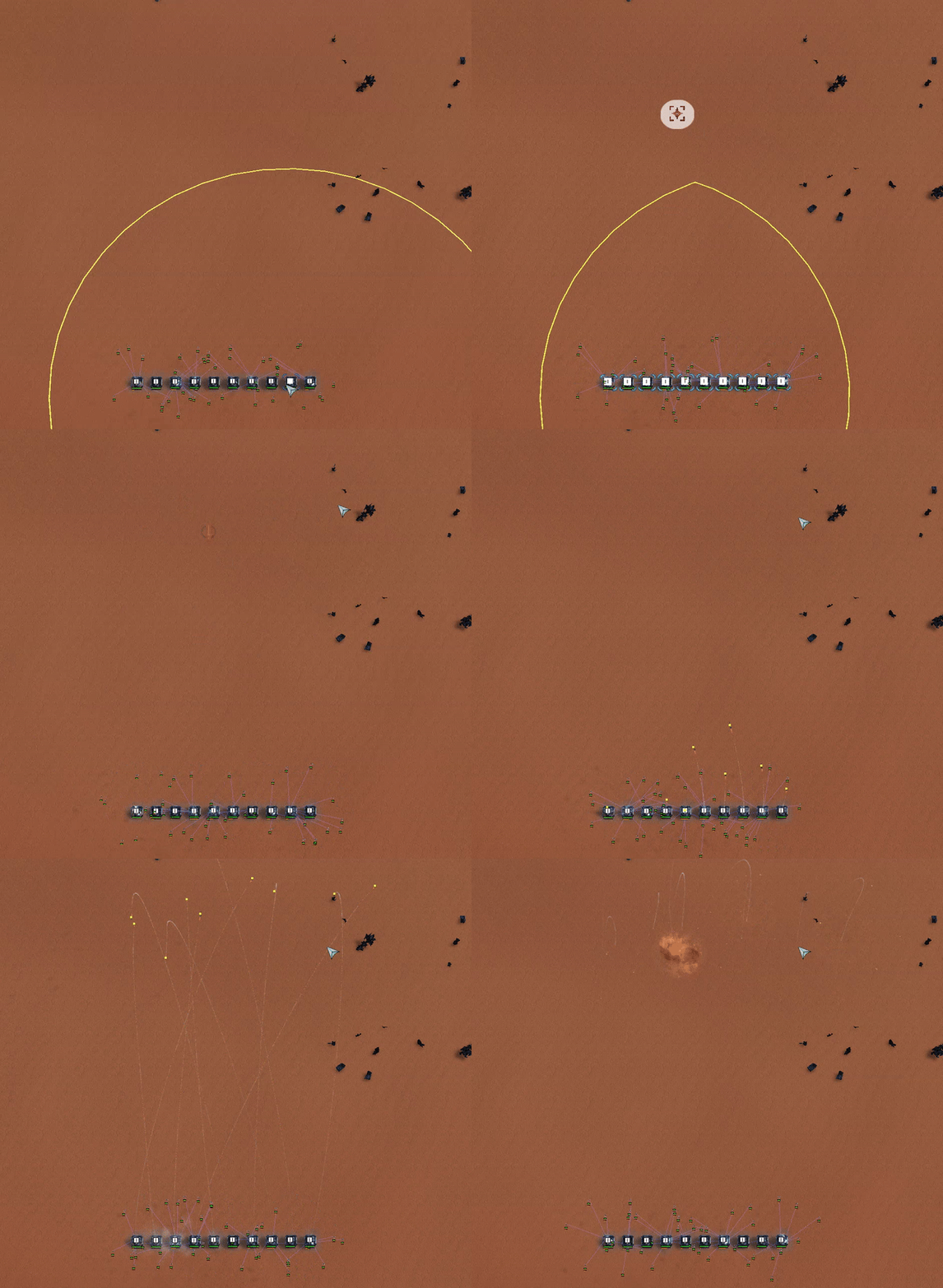
Alternative method: select factories → hit keybind (Quick Group Scatter) → hold Alt → spam RMB.
![Group Scatter[2].gif](/img/user/Group%20Scatter%5B2%5D.gif)
The mod locks in selected units and active command on keypress. Memory does not reset until the cycle completes - if you misclick at the start, keep tapping Quick Group Scatter until the audio cue plays.
Works similarly to Quick Group Scatter, but cycling to the next structure in the list requires pressing the keybind again.
🧩 Additional Orders Extension
New QoL hotkeys for factory queues, ACU actions, and engineer management.
Dependencies: UI mod tools
Settings: F10 → Key Bindings → Orders
Remove last queued unit in factory- removes 1 unitShift Remove last queued unit in factory- removes 5 units
(OC - Overcharge)
Settings: F10 → Key Bindings → Selection
Select ACU / Enter OC modeSelect ACU / Enter OC mode / Goto ACUGoto ACUSelect Nearest IDLE T1 engineer / enter reclaim modeSelect All IDLE engineers on screen not ACUSelect nearest air scout / build sensorsSelect nearest idle transport / transport orderLoop over mexes(4 variations)Select all sensor structuresSelect all radarsUpgrade mex, select next nearest
Settings: F10 → Key Bindings → Upgrade
Order Tech upgradeOrder Engineering upgradeOrder RAS upgradeOrder Gun upgradeOrder Shield / Stealth / Nano upgradeOrder Laser / Chrono / Gun splash / Billy nuke upgradeOrder Tele upgrade
Settings: F10 → Key Bindings → Orders
Toggle repeat build of factories / OC mode
BuilderAltSelect
Dedicated modifier hotkeys for engineer-only and factory-only box selection.
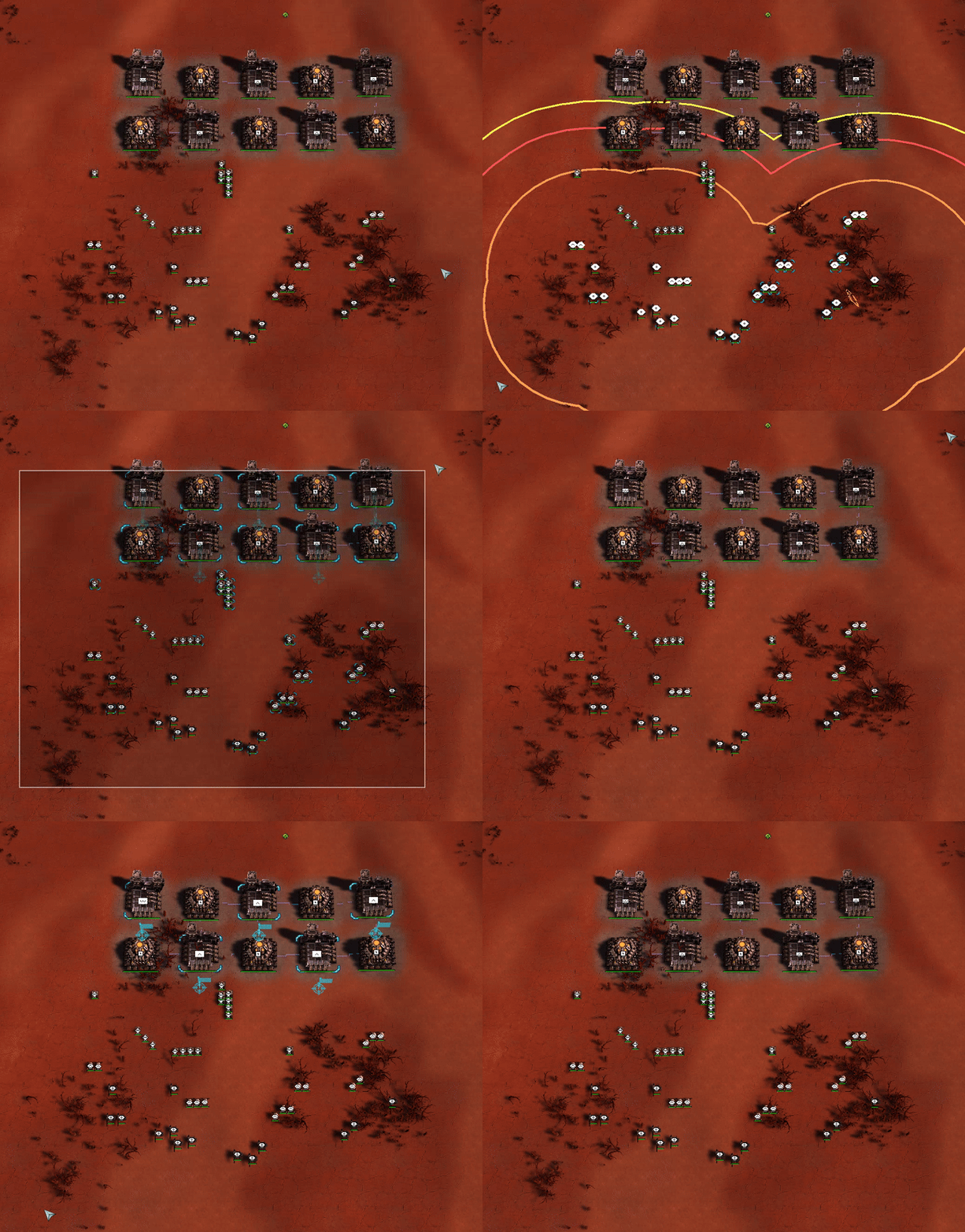
How it works:
Hold the modifier and drag a standard selection box:
- Shift + Alt - engineers only
- Ctrl + Shift - factories only
🧩 Ctrl
Sticky move orders and structure eyedropper tool.
Dependencies: UI mod tools
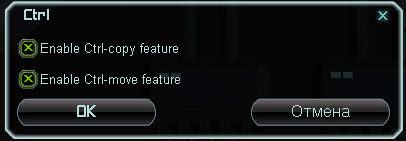
Settings: F10 → UI mods options → ctrl
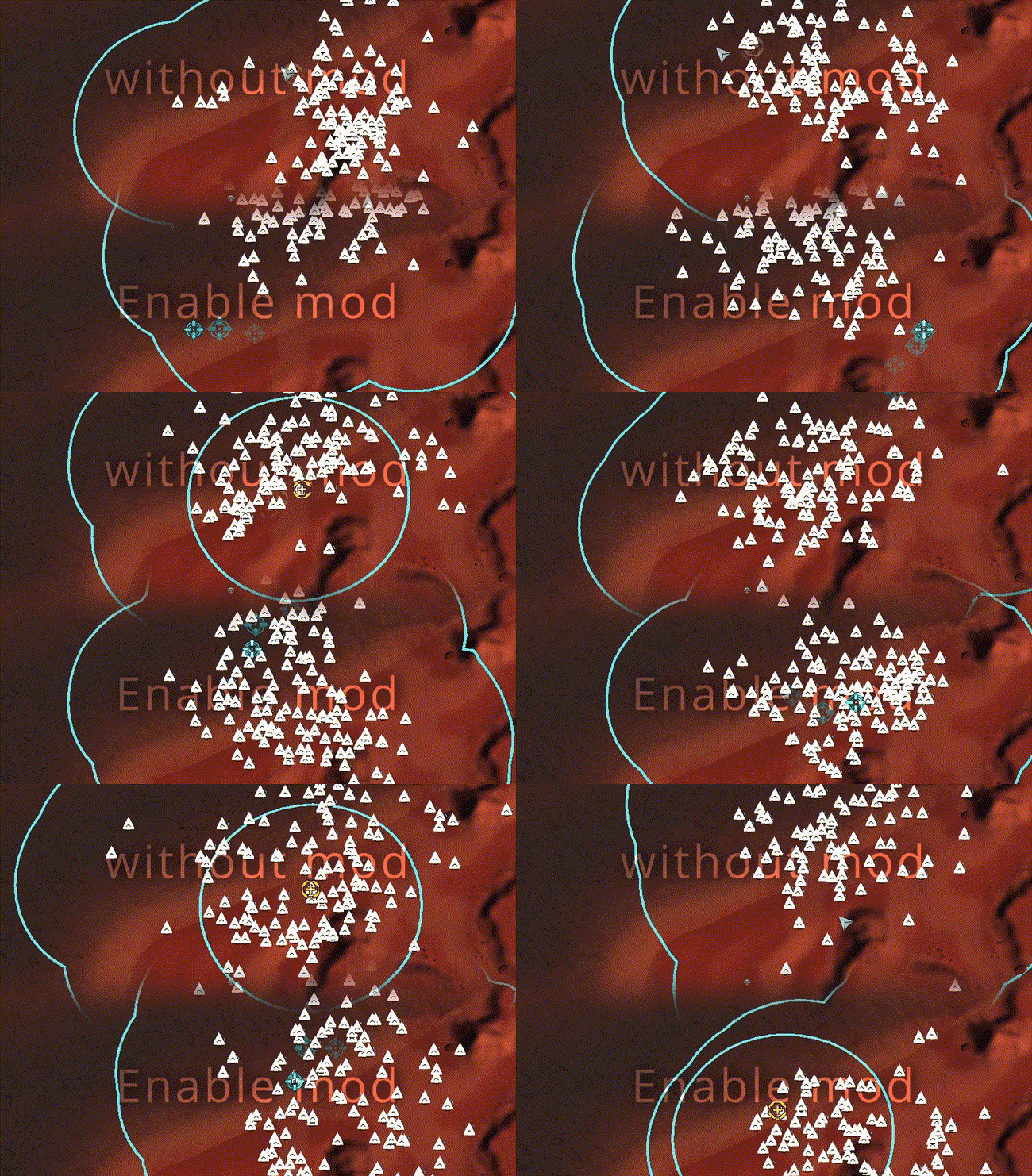
Sticky Move
How it works:
Hold Ctrl → select Move order → spam LMB
Move command stays active on cursor after each order.
Eyedropper Tool
How it works:
Select engineer / ACU → hold Ctrl → hover over existing structure → click RMB
Clones the building directly onto your cursor.
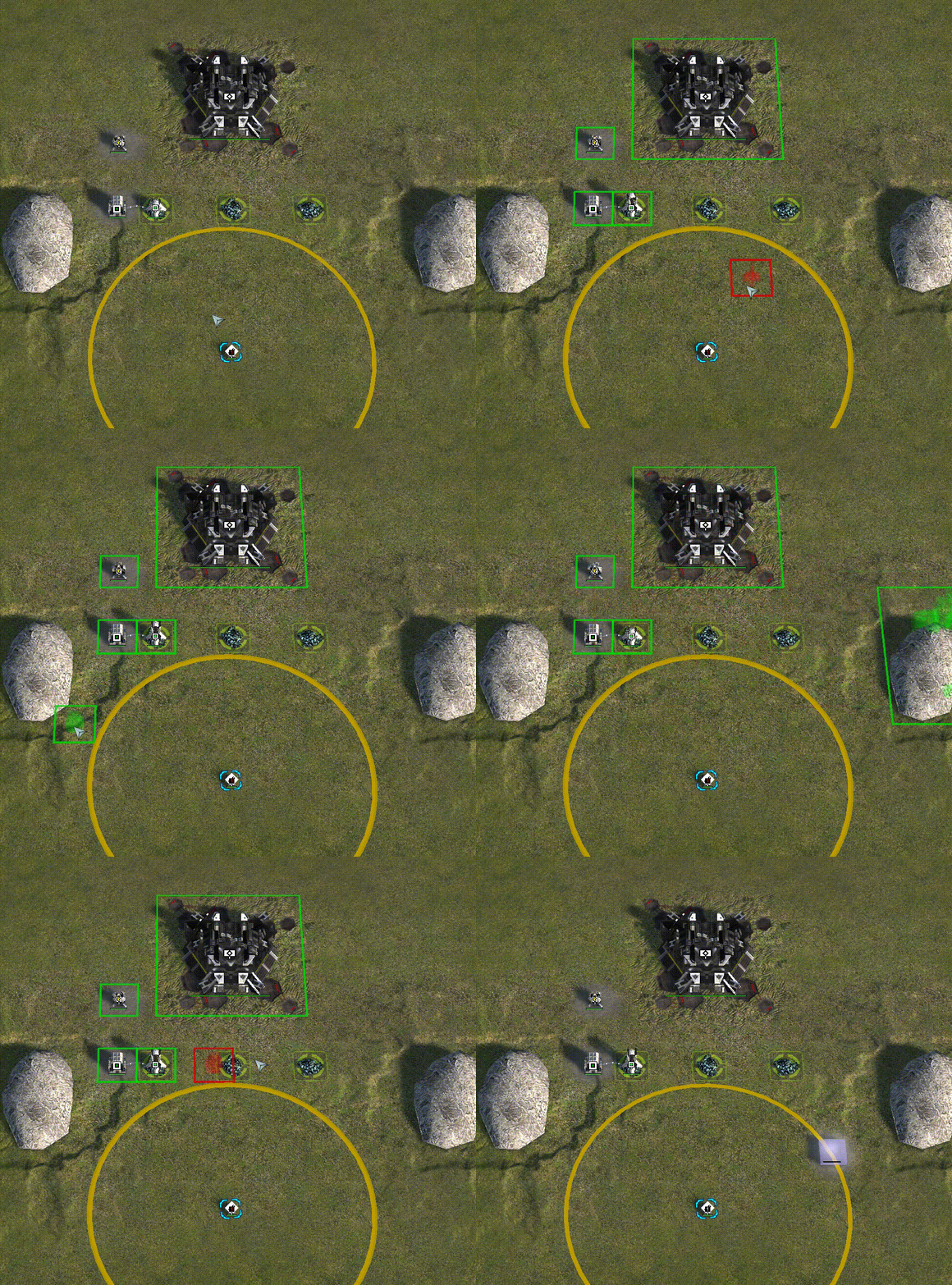
🧩 Instant Assist
Instantly assigns nearby engineers to assist target units or structures.
![Instant assist [EN] 1.gif](/img/user/Instant%20assist%20%5BEN%5D%201.gif)
Dependencies: ReUI